


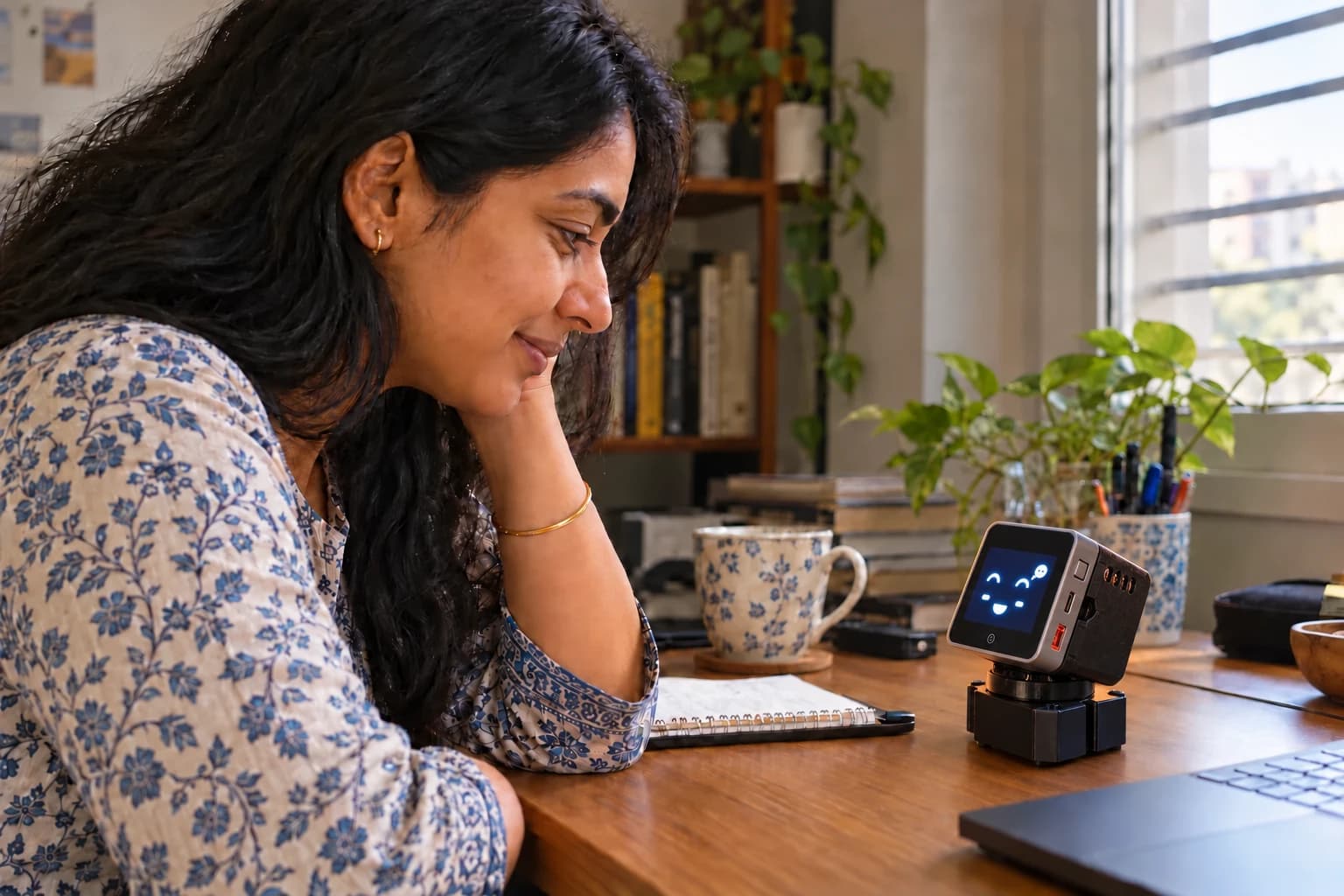
01 / Talk naturally
Your thoughts. Good company.
Talk through an idea, ask a question, or take a break together. An AI assistant with a voice, a face, and a place on your desk.
The AI companion for your desk

Someone asks PebbleRobo to set a five-minute timer, and a countdown appears on its face. Then they ask whether it will rain today; it shows rain over an umbrella and says it will rain this evening, so don’t forget an umbrella.
PebbleRobo is an AI companion for your desk. It talks with you and keeps you company.
 ₹5,999, paid upfront
Free delivery across India · see what it does
Try PebbleRobo
Turn its head, put yourself on its screen, or start a dance. Explore its capabilities in an interactive browser demo.
 Interactive demoStatic preview
Conversation, with character
Meet the expressive side of an AI assistant. Choose a sample conversation and watch its face come alive as it speaks.
Pick a conversation to hear PebbleRobo’s voice and see its expressions.
Sample responses in Pebble’s voice. The physical robot’s AI conversations use Wi-Fi and the companion app.
See it for yourself
Four films, always in motion.
Tap a card to listen.
All films play silently. Choose one for sound; it stays in front while you listen.
Real robot. Real personality.
It listens. It looks over. It makes you smile.
And it’s always up for more.
Talk through an idea, ask a question, or take a break together. An AI assistant with a voice, a face, and a place on your desk.
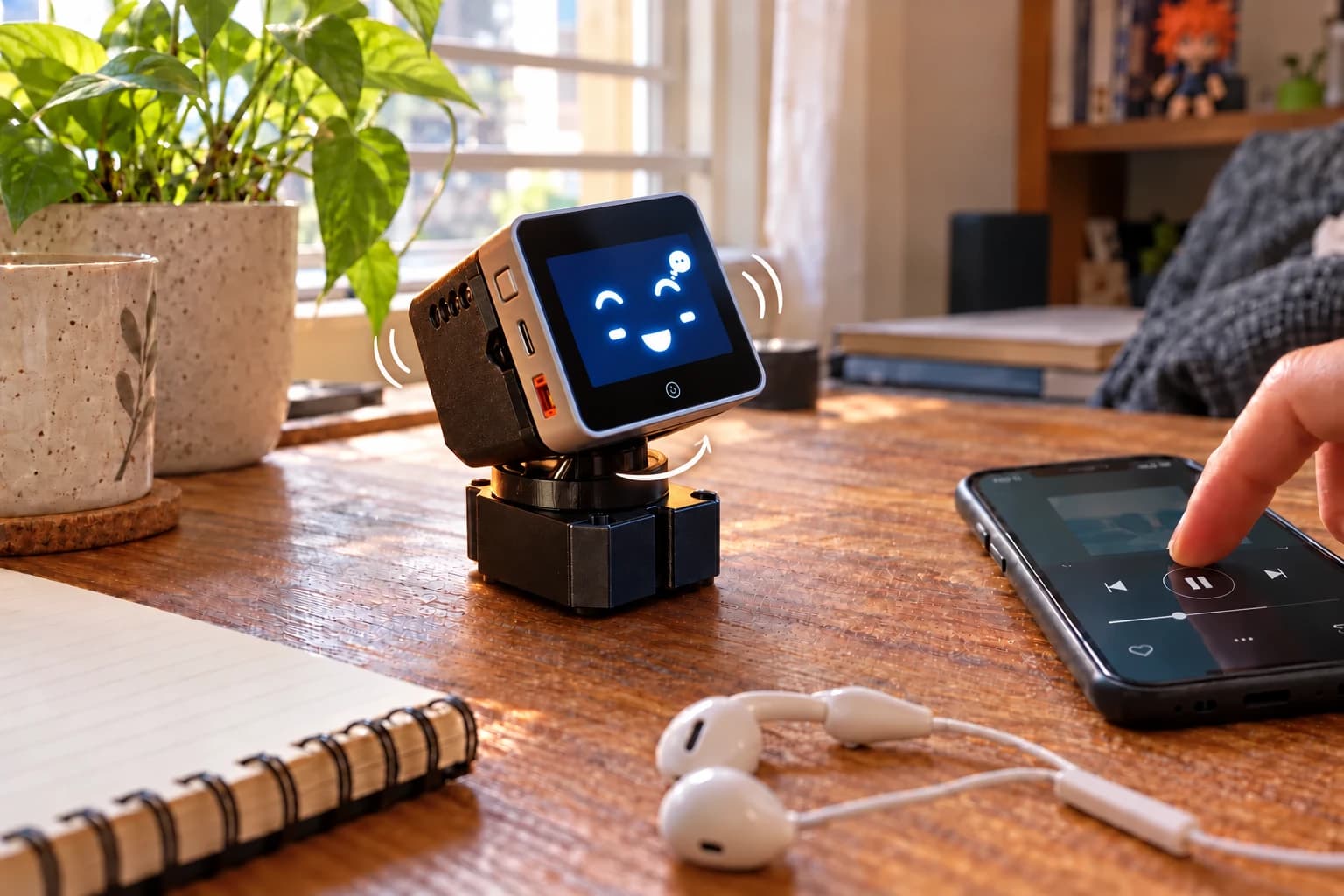
A head tilt, a happy expression, a bob to the beat. PebbleRobo makes the everyday feel more playful.
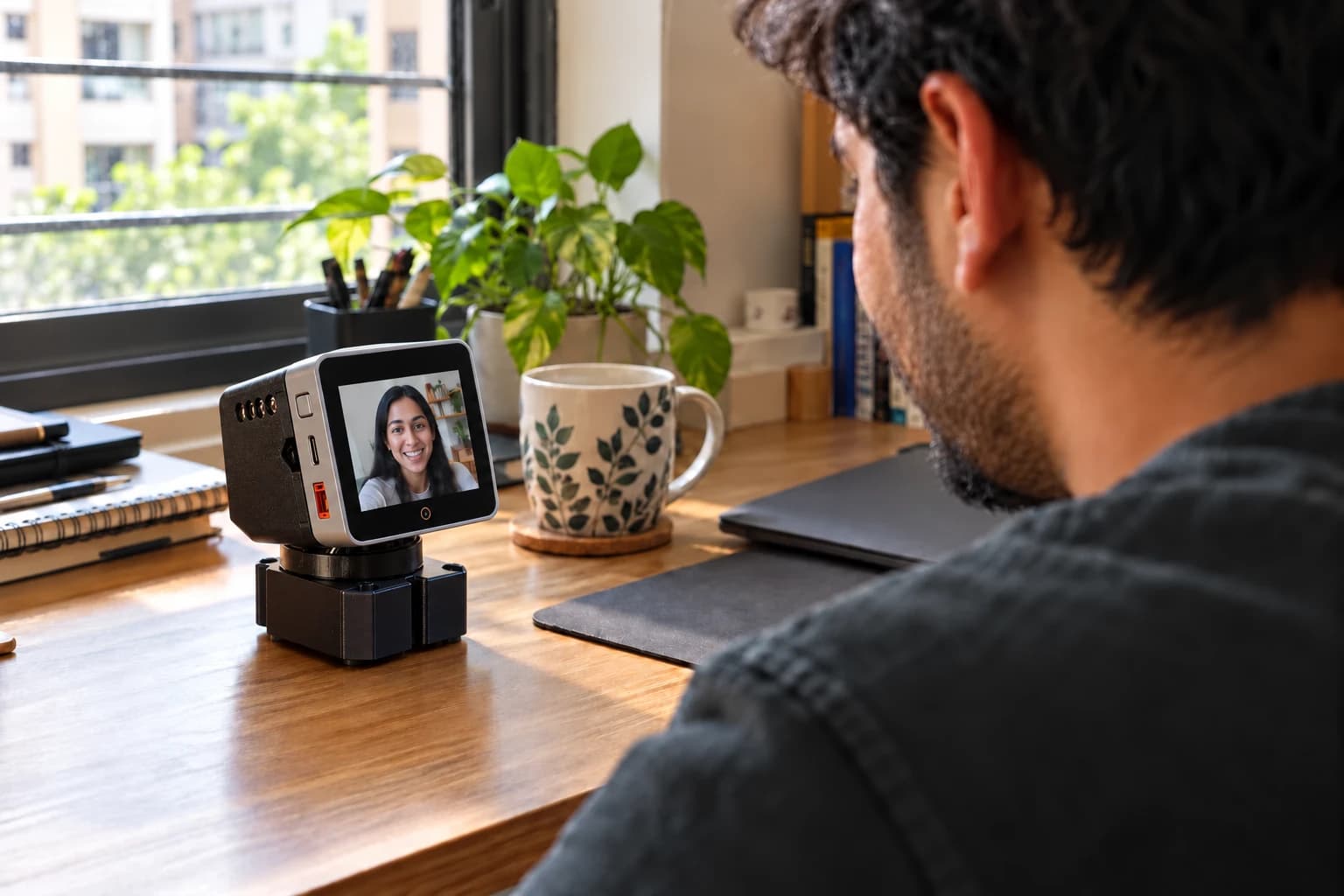
Bring a face onto its screen through the companion app. Turn its head and check in on the space around it.
Illustrative product scenes · Connected features use Wi-Fi and the companion app.
Drag to spin it. It keeps an eye on you while it turns.
Explore it
Five colourways, one robot, one price.
Ember. Burnt orange, with a graphite neck. The loud one.

Buy

Batch 01
Ready the moment it arrives. Plug it in and it wakes up.
Book today
₹599Full price
₹5,999₹13,999Pay ₹599 now to book yours. The remaining ₹5,400 is charged after booking, in cash when it’s delivered.
Free delivery in India · Ships in 1–2 weeks
Prefer Amazon? Also available on Amazon — ₹5,999 in full there, with Amazon’s delivery and returns.
Colour
(₹5,400 in cash on delivery)
Then nothing to pay at the door
Card · UPI · netbanking · EMI, via Razorpay
See what’s includedEverything it needs to wake up, in one box. Delivery anywhere in India is free.
Controller
| Specification | Detail |
|---|---|
| Main controller | ESP32-S3 Xtensa LX7 dual-core 32-bit, 240 MHz 16 MB Flash, 8 MB PSRAM |
| Wireless | 2.4 GHz Wi-Fi Bluetooth LE |
| Wired | USB-C, OTG and Serial/JTAG HY2.0-4P (PORT.A), M5-BUS |
| Display | 2.0-inch IPS LCD, 320 × 240, ILI9342C driver Capacitive touch, FT6336U driver |
| Camera | GC0308, 0.3 MP |
| Audio | AW88298 16-bit I²S amplifier, 1 W speaker ES7210 codec, dual microphone input |
| Sensors | BMI270 6-axis IMU + BMM150 magnetometer LTR-553ALS-WA proximity and ambient light |
| Power | AXP2101 PMIC BM8563 RTC 200 mAh LiPo |
| Storage | microSD slot |
| Dimensions | 54.0 × 54.0 × 16.5 mm 54 g |
Motion
| Specification | Detail |
|---|---|
| Servo | SCS0009 serial bus servo, two supplied |
| Bus | RS485, individually addressable Position readback |
| Operating voltage | 6 V |
| Stall torque | 2.3 kg·cm |
| Travel | 300° |
| Axes | Pan, driven by M1 Tilt, driven by M2 |
Power and driver
| Specification | Detail |
|---|---|
| Driver board | Waveshare serial bus servo driver ST/SC series compatible |
| Supply | 5 V, 3 A 5.5 mm DC barrel plug |
| Rail | Servo supply kept off the controller rail |
An AI companion that lives on your desk. It has a face, a head that turns and a personality of its own, and it keeps you company.


